


Keyboard Trays
Just as in life, the little things play a big role in the office, and keyboard trays should never be underestimated. This is why we hand selected our top picks for an ideal ergonomic keyboard tray (the kind with an articulating arm) and keyboard slide (the kind that slides out like a drawer).
Many arms and trays can look almost exactly alike at first glance, and it can be confusing to understand the subtle differences. Be sure to scroll down to the bottom of this page and take a look at our complete guide to desk work ergonomics and a how-to guide for purchasing they right keyboard tray for you!
Ergonomic Keyboard Tray
-
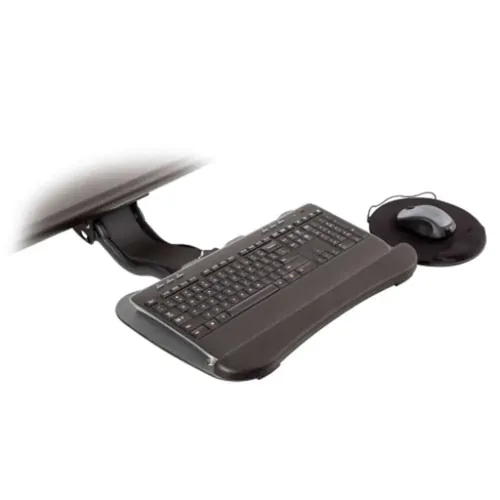
vTech CBC01 Keyboard Mount
-
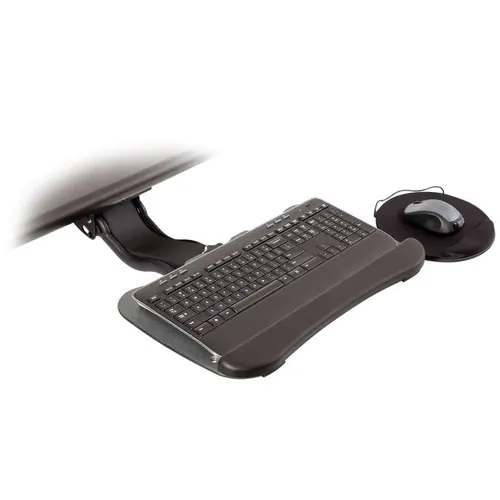
vTech CBB02 Keyboard Desk Mount
-
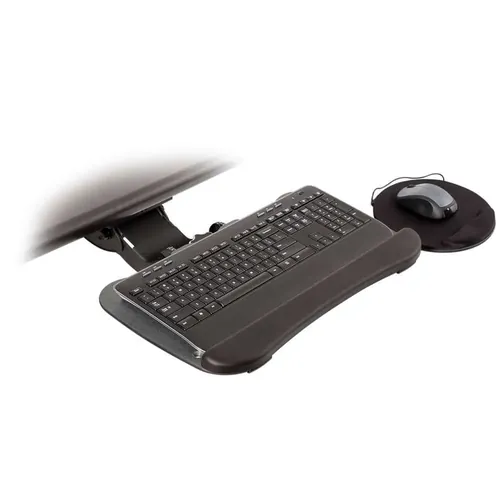
vTech CBC02 Keyboard Mount for Desk
-
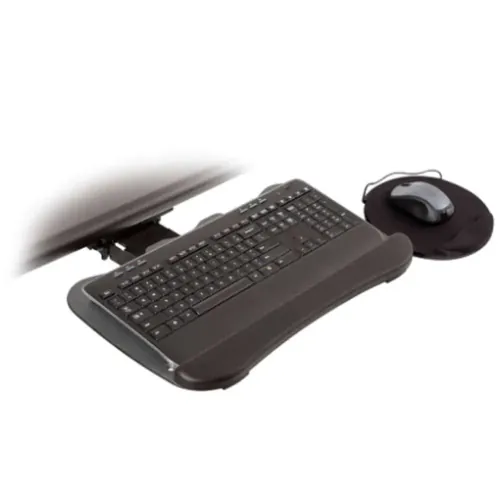
vTech CBC03 Keyboard Arm
-
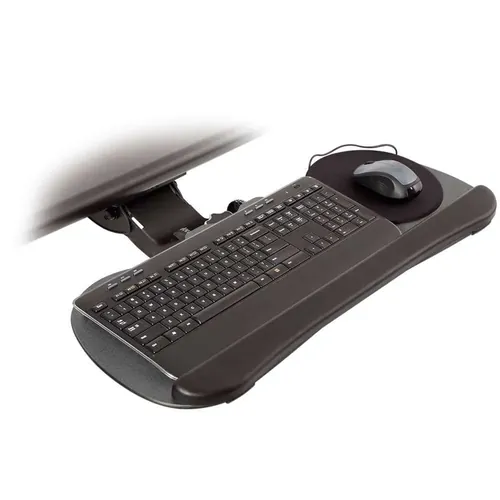
vTech CBB03 Height Adjustable Keyboard Tray
-
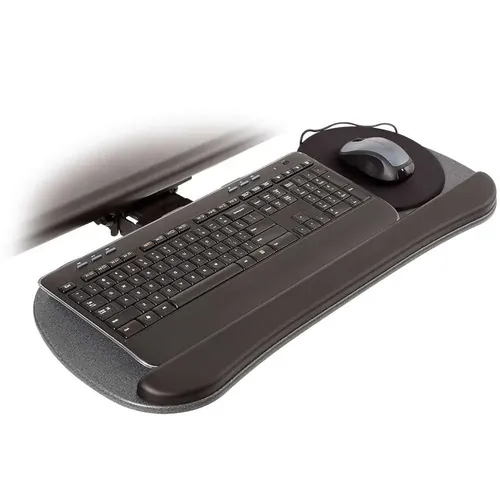
vTech CBB04 Desk Keyboard Tray
-
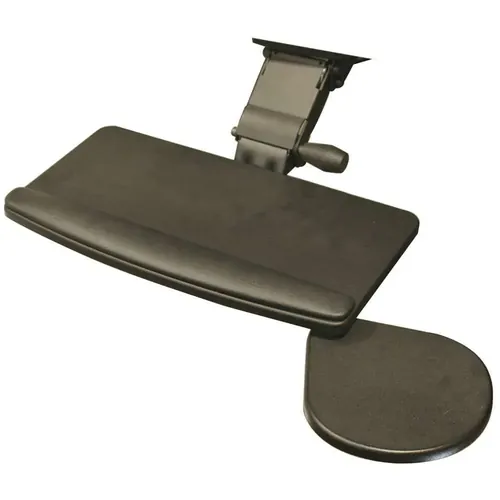
Vertex R2D2 Ergonomic Keyboard Tray
-
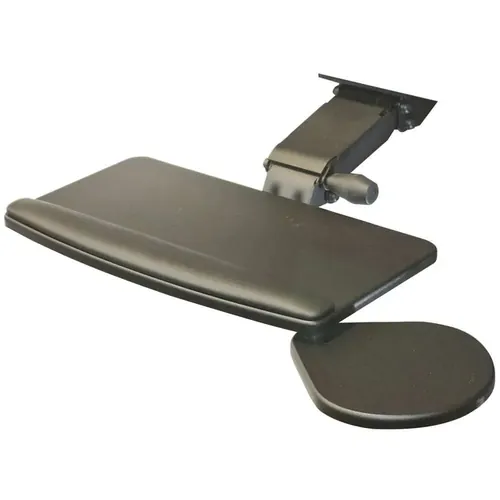
Vertex R2D3 Adjustable Computer Keyboard Tray
-
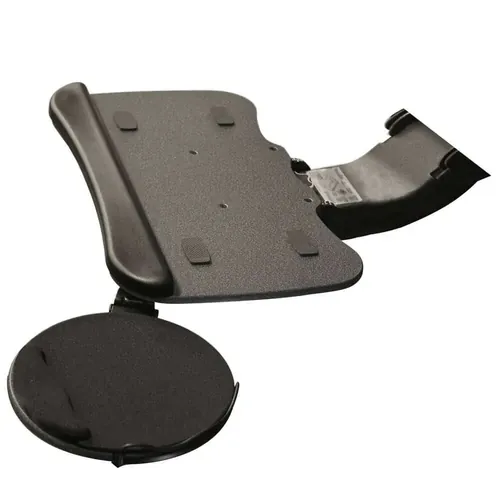
Vertex R2D4 Computer Keyboard Platform
-
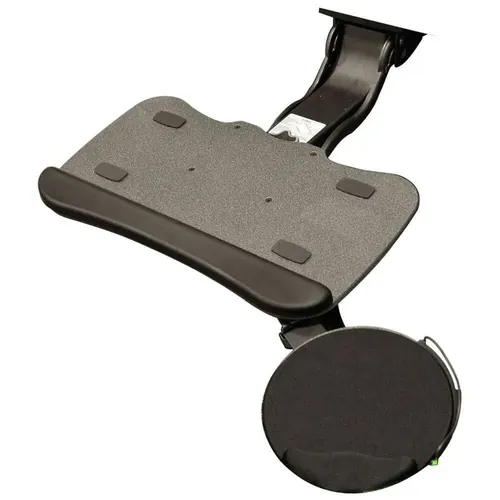
Vertex R2D5 Keyboard Tray with Mouse Platform
-
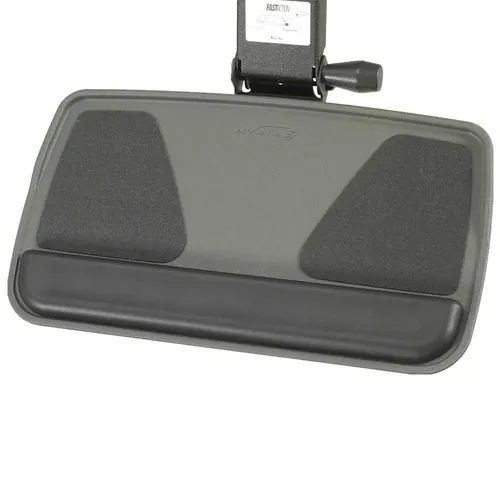
Avoxx A0-01 Adjustable Height Keyboard Tray
-
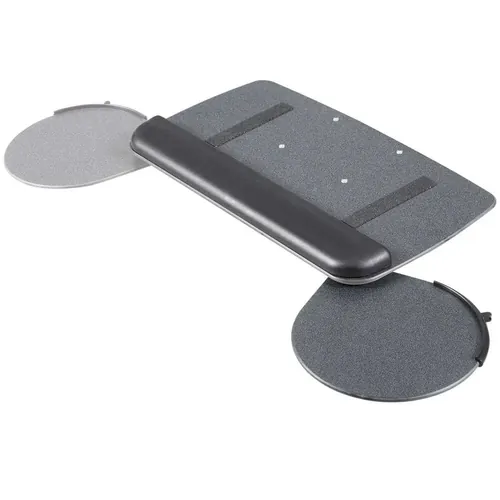
Avoxx B0-01 Computer Keyboard Tray
-
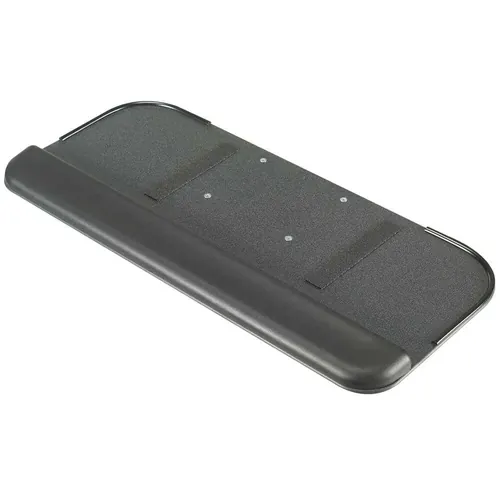
Avoxx C0-01 Adjustable Keyboard Tray
Keyboard Slide
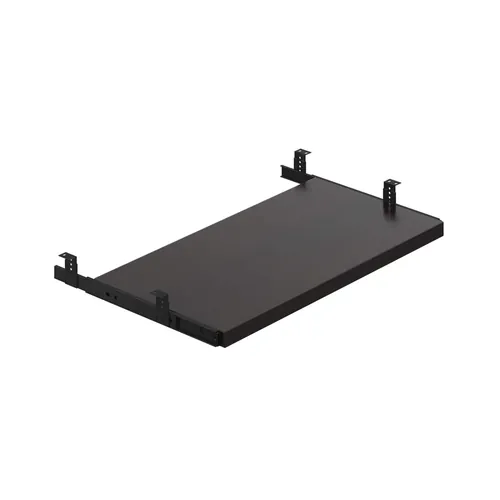
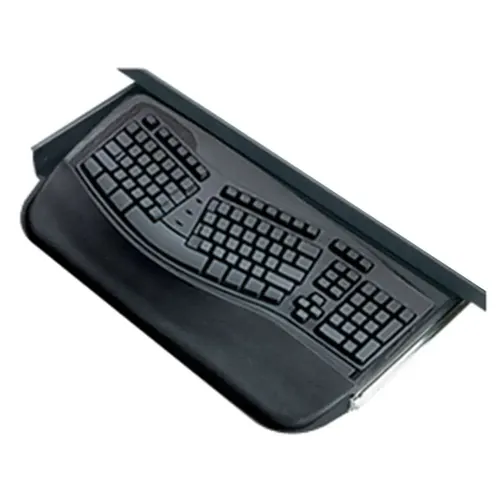
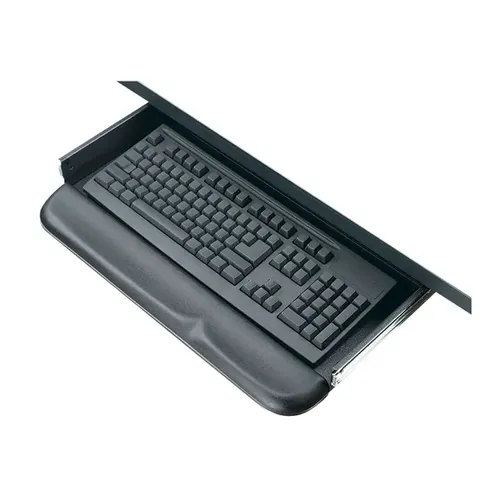
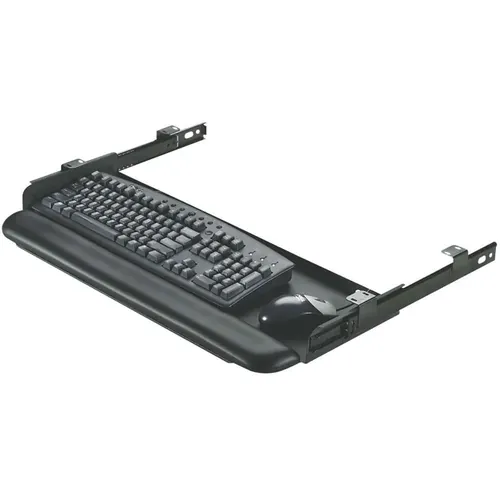
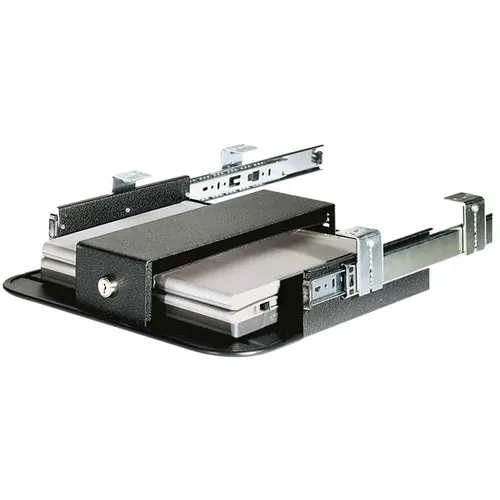
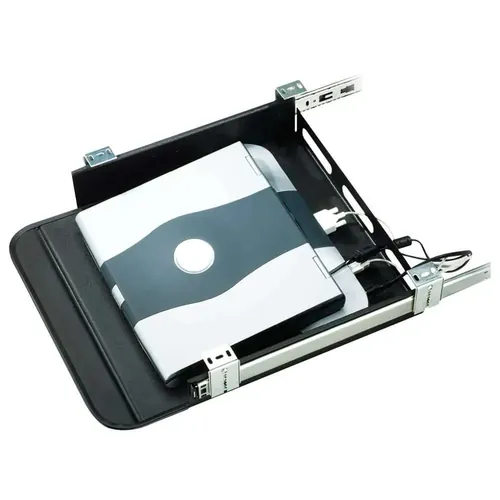
This is the one thing you ought to know more about, if you're really serious about maintaining your good health for as long as possible: Be it a fully articulating keyboard tray with an adjustable arm, or just a simple drawer, shelf or tray, using one may save you from tendinitis, carpal tunnel syndrome, neck and back pain, and other musculoskeletal issues.
Chances are, you already know about the possible pitfalls of sitting on a chair, staring at a screen, tapping on your keyboard all day. If you don't, just flip it over and you'll see a warning along the lines of this message: "Use of a keyboard may be linked to serious injuries or disorders!"
You looked, didn’t you. And sure enough, it was there, wasn’t it.
As hard to believe as it may seem, typing on a keyboard can be quite a physically demanding task. If you're anything like 99% of the office workers out there, you must have experienced neck pain, shoulder pain, elbow pain, wrist pain, forearm pain, and back pain by now - sometimes to a point where you questioned whether you’d be able to continue writing, designing, programming, editing, or whatever the computer-centric activity it is you do to earn your living or just for your own enjoyment.
Repetitive stress injuries can end your desk job career, and some injuries actually do require surgical fixes. This is why we'll look at some basic, science-backed principles that apply when exploring the world of desk ergonomics, and specifically the benefits of using an adjustable keyboard tray.
What causes ergonomic injuries?
The correct alignment of your back, your neck, arms and hands is at the foundation of healthy, pain-free typing. Unconditionally. This means they always need to function as a unit, at all times, in the proper stance, and with the same amount of freedom.
Desk Work Ergonomics: The Spine
Your spine is a structure which is made up of stacks of 24 bones called vertebrae, with padding disks between them. The muscles and ligaments that bind the vertebrae together allow us to bend and flex our back – forward, backward and from side-to-side. Because there are physiological, natural curves of the spine, it can never align perfectly straight, like a stack of dishes.
But if we lean forward, the weight of our upper body tries to slump us over in the same way. Muscles along the back of the spine contract in order to counterbalance this weight, resulting in increased tension, pain, and potential injury if the counterforce is sustained for long periods of time. This is why a good office furniture chair has a contoured back that supports the curves of your spine, often referred to as a lumbar support.
Aside from just having a habitually bad posture, if the keyboard is too far from your hands to allow comfortable typing, or at too high or too low a position, you naturally lean forward. Same goes for positioning your computer monitor. However, if you place your keyboard on a desk keyboard tray (and your monitor on a proper adjustable monitor arm), adjusted to an effortless reach of your arm’s resting position, this will help bring the backbones into more comfortable vertical alignment against the supporting back of your chair.
Desk Work Ergonomics: The Neck
The head and neck have an important relationship. If your arms and hands are improperly positioned or angled, in relation to your back and your shoulders, you’ll compensate by bending your neck inward and leaning your head forward - thus stressing the tendons and muscles of the back of the neck.
Adjusting your body to your workspace, instead of the other way around, will break your naturally good posture and possibly result in some kind of an injury. So, sit straight up at your desk with relaxed shoulders and your hands in your lap, looking straight ahead. Adjust the height, angle, and distance of your keyboard arm, your monitor and your chair to harmonize with this neutral posture. You should learn how to listen to your own body and make the proper adjustments to your workspace, so that you can remove as much tension as possible. You will encourage good posture if you set your workspace up correctly.
Desk Work Ergonomics: Arms & Hands
With the body and head now properly positioned, take into consideration the position of your arms and hands. Let your arms hang freely straight down from the shoulders. If you chair has arm rests (and it almost always should), adjust their height to gently underpin your elbows.
Position your keyboard on the keyboard desk tray of your choosing, slightly below the elbows. If your elbows have to maintain your hands lifted off the keyboard while you type each sentence, the amount of cumulative weight that is kept suspended over time will be staggering. Symptoms of tendinitis, like “tennis elbow,” can often be alleviated simply by lowering your keyboard a few inches. Fingers and hands should arc gracefully down from the wrists to rest almost weightlessly on the keyboard. If needed, use palm rest accessories to support the wrists at the correct height (many of the models we sell on this page include gel wrist rests).
Desk Work Ergonomics: Conclusion
We'll be completely honest with you about this.
Most people try to skimp on the “small stuff” in their office furnishings, right where it matters most. It’s hard to avoid a great bargain. And it’s hard to justify a pricy alternative. However, careful consideration and in-depth analysis of the value-for-money ratio of our higher-end product range will undoubtedly show that it's an investment well worth it. After all, it’s only your health we’re talking about.
Add up the costs of a good office chair, a monitor stand, a keyboard and mouse tray and an ergonomic keyboard, and you’ll probably find that the costs associated with being a desk worker are more than what may seem reasonable. But the same is true for the essential necessities of almost every other kind of job. Whatever your job happens to be, good gear always ends up being cheaper than getting injured - and it’s a lot more comfortable. If you’re serious about staying healthy and more productive and plan to spend months or years at the keyboard, every step you take to reduce repetitive stress injuries is a worthwhile investment in prolonging your desk job career.
Whether you are looking for a bargain, or demand the top-shelf, cutting-edge piece of uncompromising quality – all our products featured here are guaranteed to instantly add great value to your workplace ergonomics and your overall office well-being! Before you forget, simply scroll back up and pick from the keyboard trays you like best, and never again feel sick and tired of doing those straight hours, day after day!